A photo is often the first point of contact between a customer and your business. In the tourism, restaurant, or retail industries, a good image helps:
to make a positive and immediate first impression,
to convey the quality, atmosphere, and professionalism of your business,
to stand out on platforms where everything happens in a matter of seconds (Google, Instagram, OTAs, travel websites),
to build trust, which increases bookings and visits.
A good photo doesn’t have to be “perfect”; above all, it should be clear, neat and clear, and capture reality at the right moment.


Light has a direct impact on the quality of your photos.
It can make a space feel warm… or gloomy.
Take your photos in the morning or late afternoon: the light is softer then.
Frame your subject with a window or an opening.
Turn off artificial lights if they alter the colors.
Try different angles relative to the window: light coming from the front, from the side, or slightly from behind.
Combine natural light with yellow light.
Taking photos under neon lights or yellow spotlights: the colors look dull.
Photographing in direct sunlight: harsh shadows and blown-out areas.
Clean the lens
Tap the screen to focus on your subject.
Then, swipe down slightly to reduce the exposure.
Result: sharper images, more consistent colors, and a more professional look.
Hold the phone horizontally and keep it straight: tilted photos look amateurish.
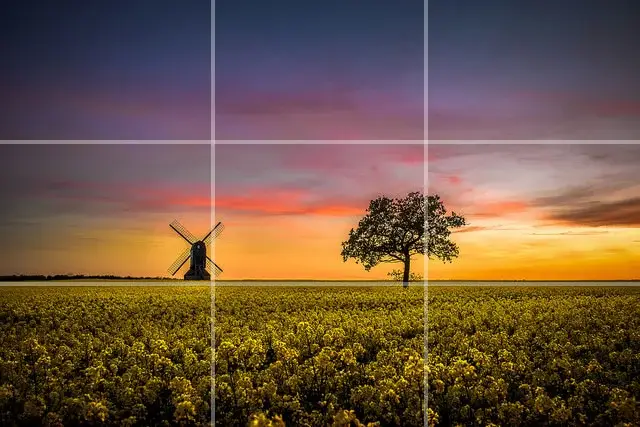
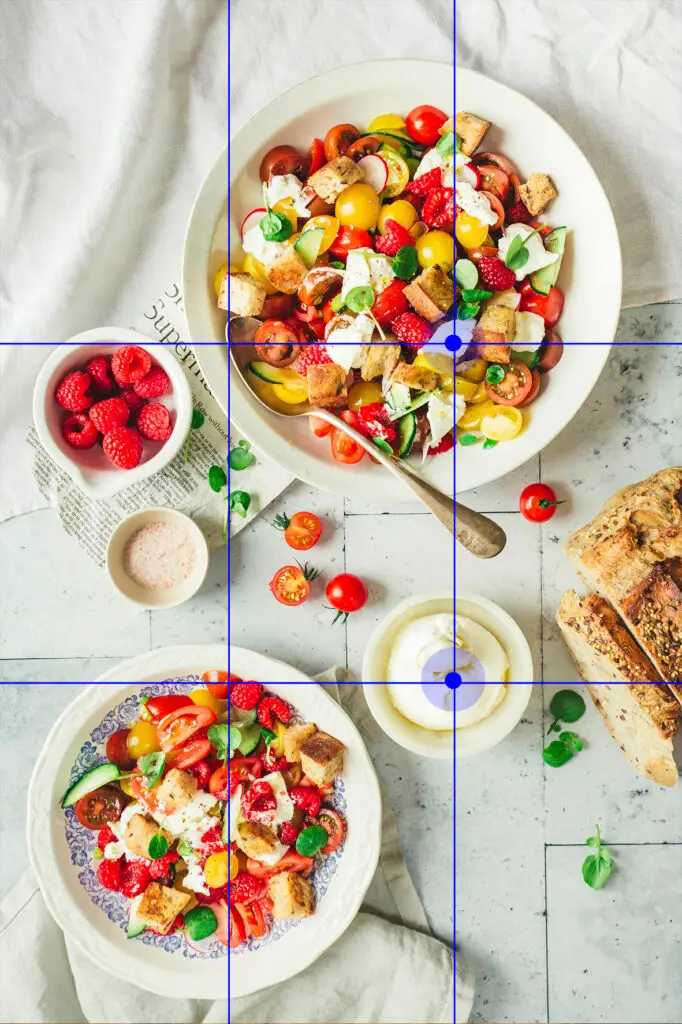
Turn on the grid in your settings.
Place the main subject on a thirds line for a balanced composition.
Leave some space around the subject: a photo that’s too “tight” can make the scene feel cramped.
Check what’s in the background (cables, bags, trash cans, unnecessary items).
Use portrait mode to isolate a subject (dish, object, product), especially if the background is cluttered.

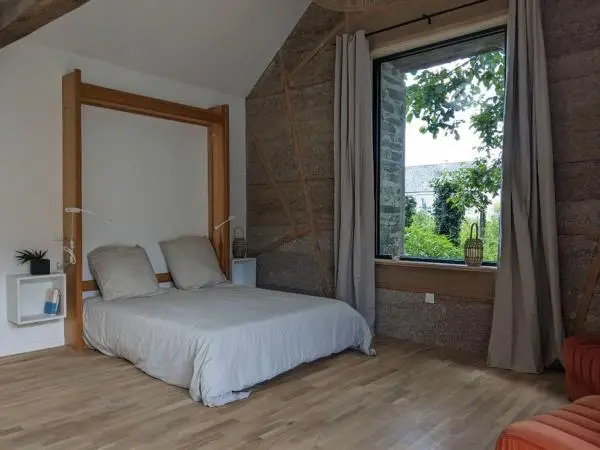
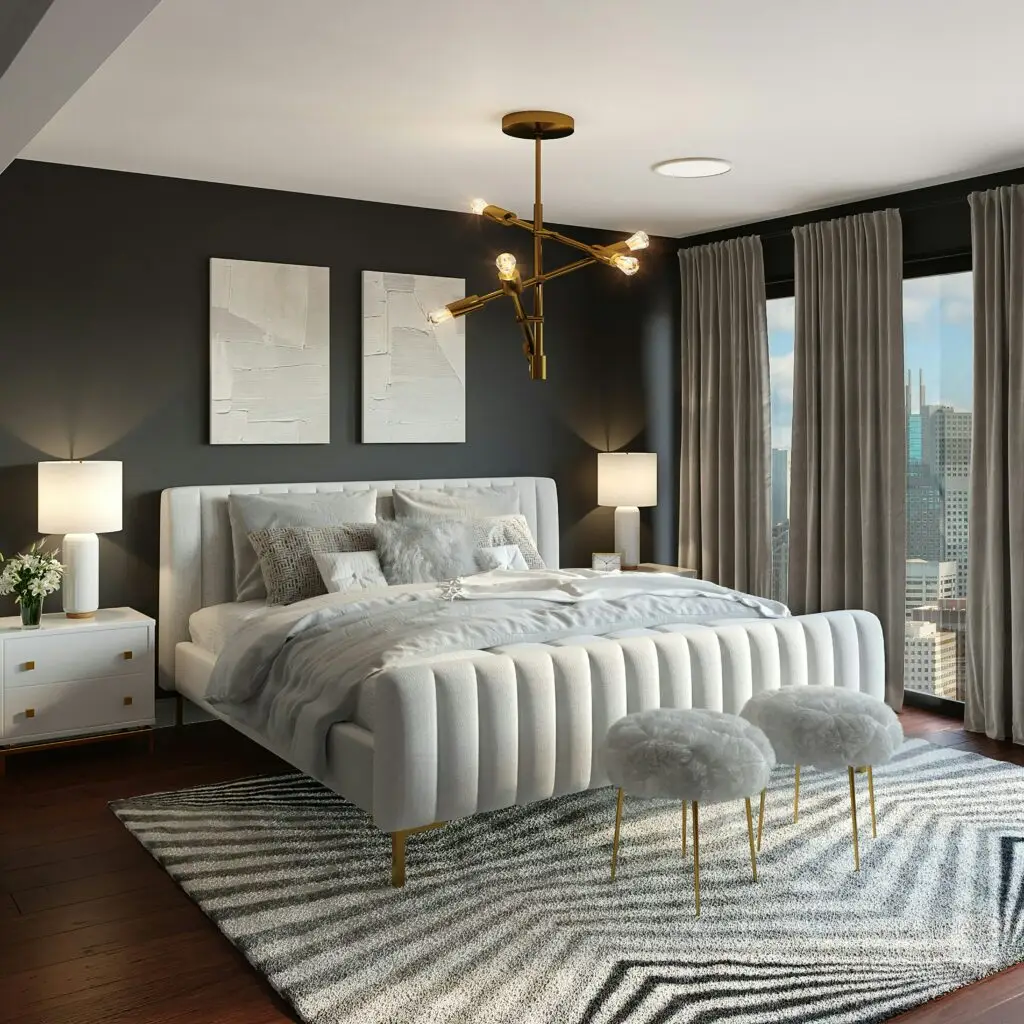
Tidy up and make things neat: make the beds, arrange the cushions symmetrically, and open the curtains.
Remove any unnecessary items: chargers, trash cans, cleaning supplies.
Add a cozy touch: a bouquet, a book, a mug, or a soft lamp.
Make sure the lighting is consistent: natural light, if possible.
Step back to avoid wide-angle distortion.
Make sure everything is level: check that the walls are vertical.
Try different angles:
wide shot of the room,
mid-range (sleeping area, table, bathroom),
close-up (inviting detail: material, texture, small welcoming gesture).
Adjust the brightness slightly.
Align the horizontal and vertical lines.


Clean the area: tablecloth, plate, countertop.
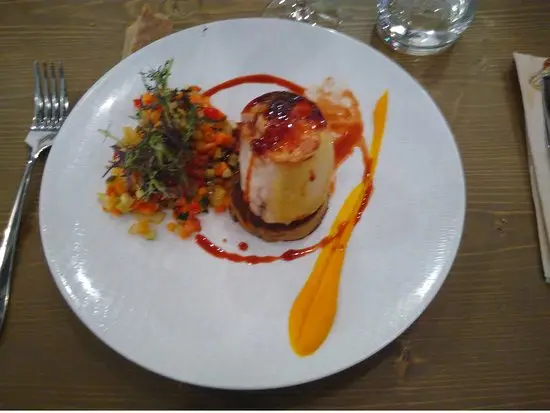
Prepare a visually stunning dish.
Place it near a natural light source.
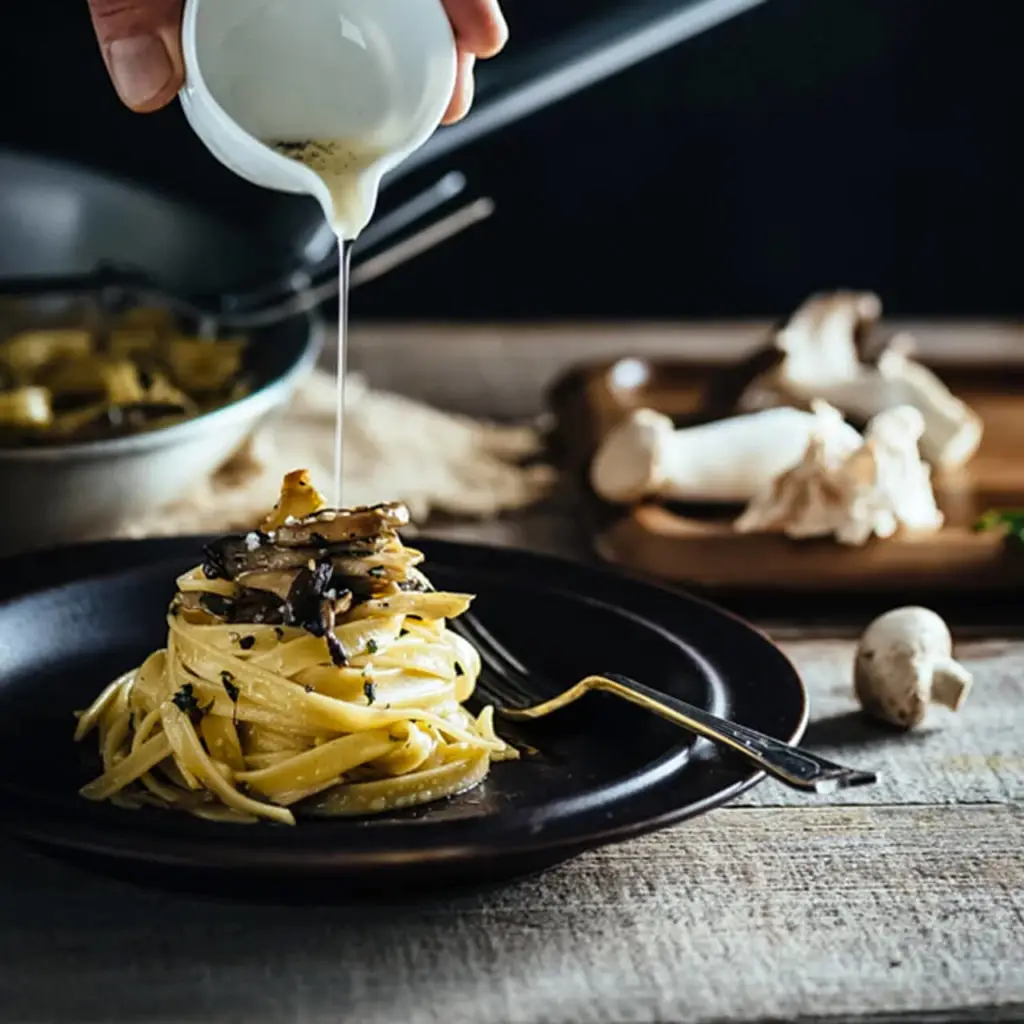
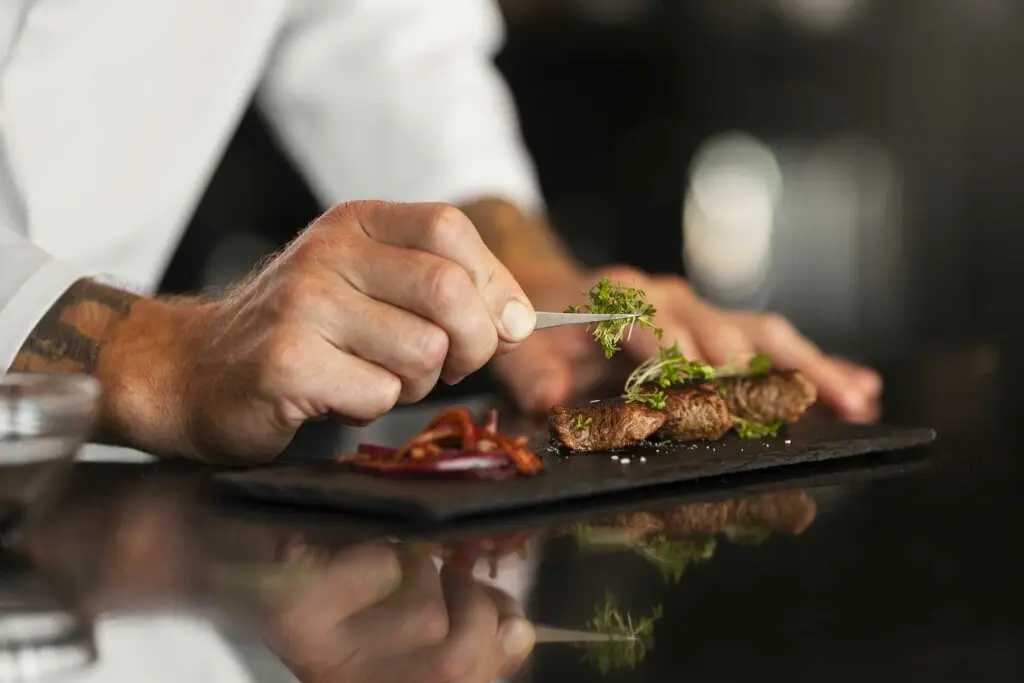
Capture an action: plating, pouring a sauce, adding herbs.
It brings the image to life.
Frame the shot so that the entire plate and a bit of the table around it are visible.
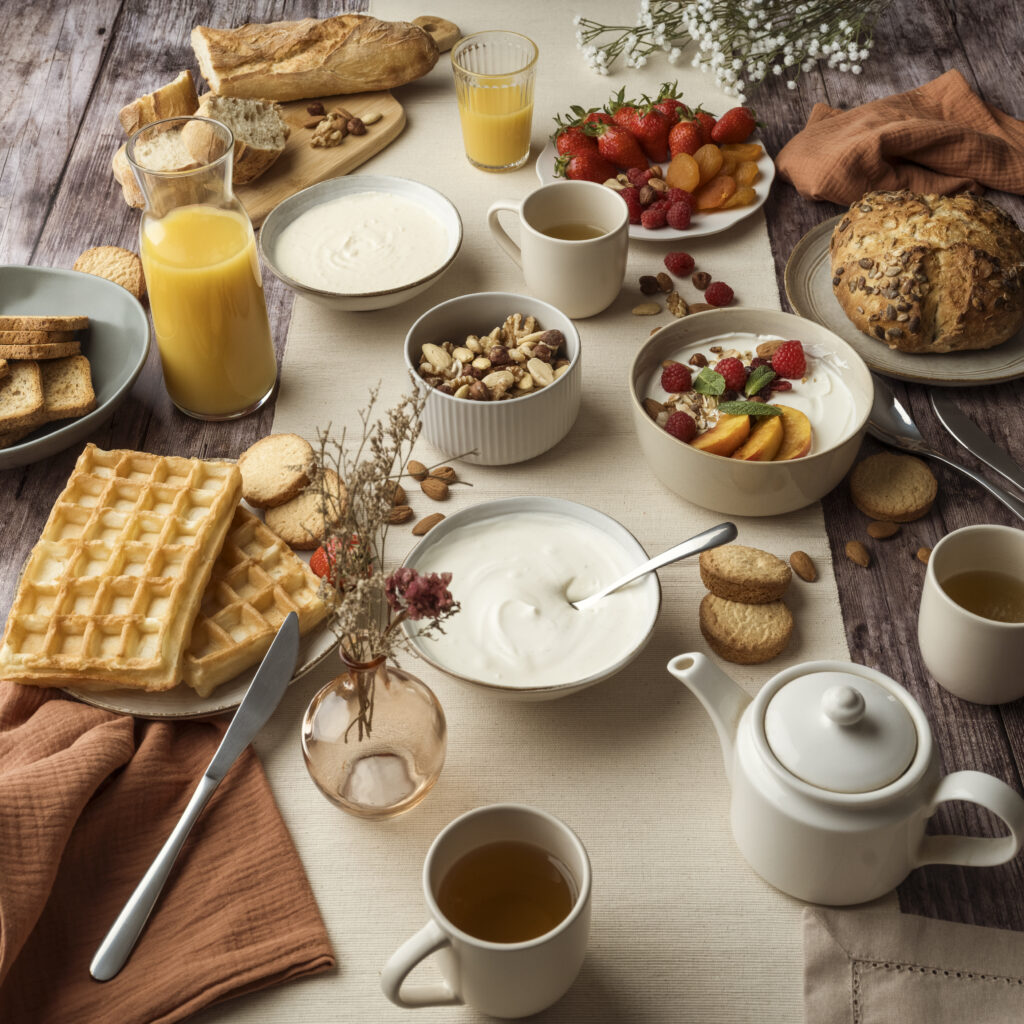
Add some simple touches: a clean towel, a glass half-filled with water.
Photo of the dish alone (viewed from above or at a slight angle).
Photo of the cooking process.
A photo showing the atmosphere in the room with a few customers.
Choose a simple, clean background.
Showcase the product: no unnecessary labels or glare.
Select 2 to 3 items to create a “collection” look.
Adding a hand or a presence makes the scene more human.
Show the product in a real-life setting: held in one hand, on a counter, neatly displayed.
Use natural light to highlight textures.
Mix it up:
photo of the location,
photo of the product alone,
a close-up photo (of texture, movement, or finish).


Turn on Airplane Mode to avoid interruptions.
Clean the phone’s camera lens (fingerprints = blurry photos).
Pay attention to the edges of the frame: nothing should stick out by accident.
If possible, take several photos from the same angle; then choose the best one.
Tell a short story by showing:
the atmosphere of the place,
a stylistic detail,
a gesture or an interaction.


No need for advanced apps: the phone’s built-in editor is all you need.
Adjust the brightness to lighten the image slightly.
Increase the contrast slightly to add depth.
Correct yellow tones if the photo looks orange.
Get back on track, especially at home.
Always stay natural: the image should reflect reality.
Recommended tools for quick edits
– Photos app (iPhone) / Google Photos (Android) : ideal for simple adjustments (brightness, contrast, straightening).
– Snapseed : perfect for quickly editing a photo to look natural.
– Lightroom Mobile : for a more professional look, while remaining easy to use.

Photos are only useful if they are shared effectively.
Google Business Profile: cover photo + interior shots.
Instagram: Focus on images that depict a scene (not just an object).
Website and professional platforms: high-quality, professional photos.
Tourist offices / partners: Choose the clearest and most welcoming visuals.
Be sure to post new content regularly to keep people interested.